5.5.1. Drill down to Two-subject dashboards
Drill down to a Two-subject dashboard from a Detail dashboard to analyze traffic that matches the current subject and a supported second subject.
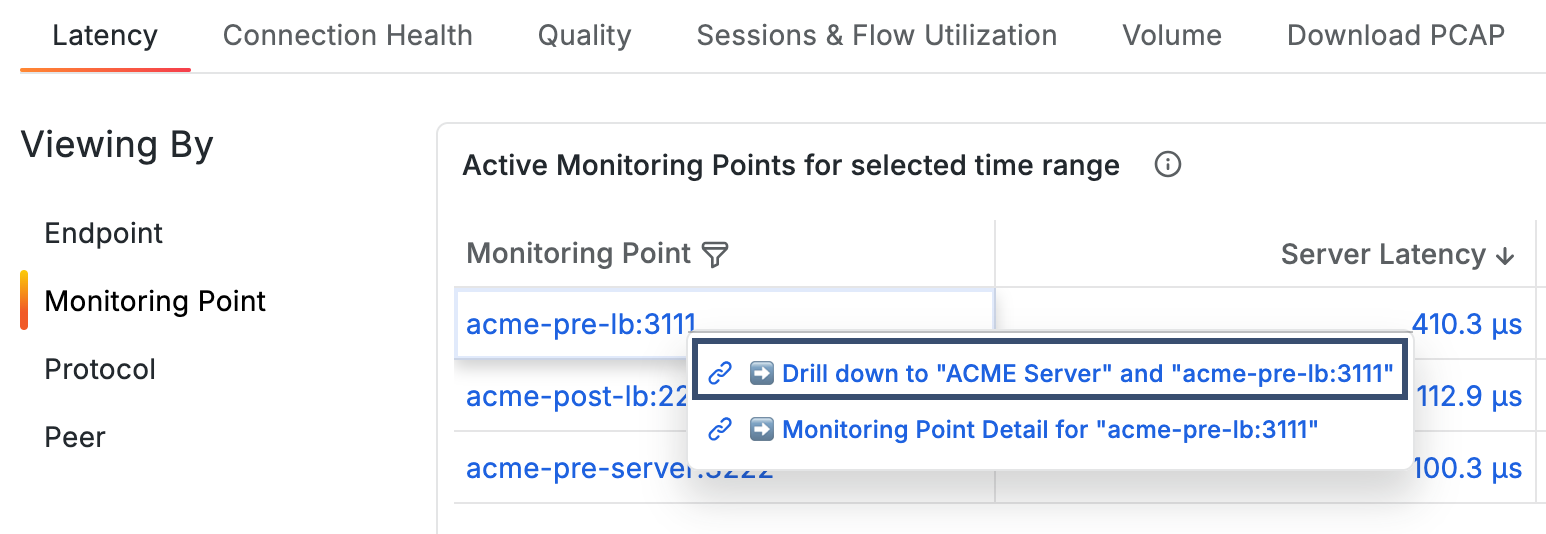
Set Viewing By to the subject you want to add to the current dashboard, then select an entry in the first column of the table. If a Two-subject dashboard is available for the combination, then select Drill down to "[current subject]" and "[selected subject]".
The Two-subject dashboard retains the current Detail dashboard subject as the first subject and adds the selected subject as the second. The first subject determines the dashboard title and breadcrumb order.
Not every subject combination supports a Two-subject dashboard. See Two-subject dashboards for the supported combinations.
 |